
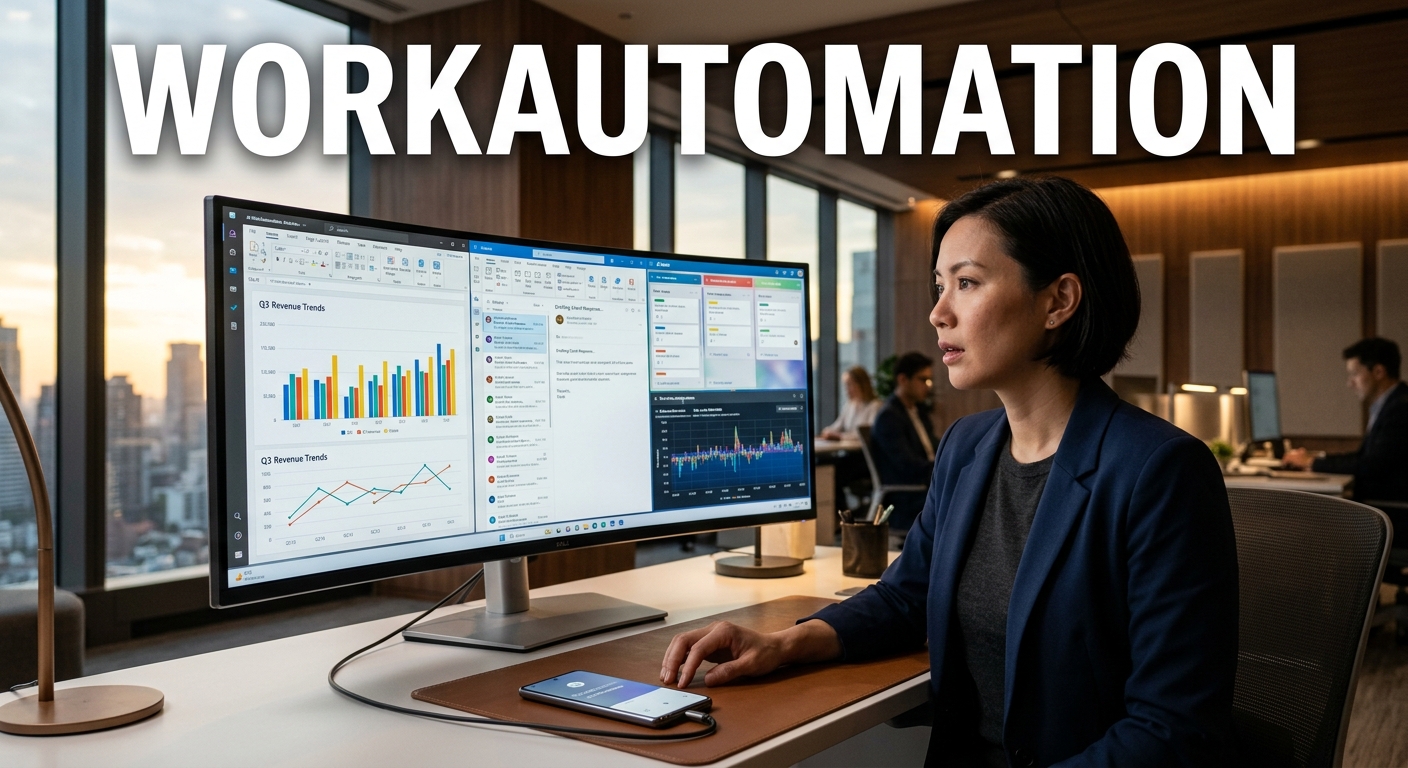

● AI Agent Automation Shock for Jobs
The moment you start reading this article, you will discover the secret to AI workflow automation that puts you three years ahead of others.From now on, we will delve into Claude’s latest innovative features, ‘Dispatch’ and ‘Channel’, which allow you to remotely control your home computer with just a smartphone, making it create PPTs and write code like your own personal assistant.Going beyond a simple chatbot, we have compiled everything, including the key takeaway of ‘security and scheduling features that completely replace OpenClo’, which are not deeply covered on YouTube or in general news, so please pay attention until the end.This is exactly what office workers must know to survive in the rapidly changing global economic outlook.
The Smartphone Becomes My Own 24-Hour Remote AI Assistant
The hottest topic in the artificial intelligence industry recently is undoubtedly the emergence of AI agents that judge and act on their own.How convenient would it be if you could control the AI on your computer, left on at home or in the office, with your smartphone from outside?Claude’s newly launched features, ‘Dispatch in Co-work’ and ‘Channel in Claude Code’, have turned that imagination into reality.Once you set up these features, you can command complex tasks by fully utilizing the resources and environment of your desktop, even while on the move or working outside.This technology, which leads the rapidly changing latest AI trends, has massive ripple effects in that it eliminates the constraints of time and space.
1. Magic for Non-Developers, Claude Co-work ‘Dispatch’
The Claude desktop app has three main features: Chat, Co-work, and Code.Among these, a sidebar menu called ‘Dispatch’ has been added within the ‘Co-work’ feature, which even non-developers can easily use.You install the Claude desktop app on a sub-computer such as a Mac mini or desktop that you usually leave on, and keep Dispatch connected.Then, when you access it via your smartphone from outside, your smartphone screen and your home Mac mini screen synchronize in real time.For example, try giving a command from your smartphone: “Create a 10-slide PPT on how office workers can utilize AI, create a folder on the desktop, and save it.”Then, Claude on your desktop, running 24 hours a day, 365 days a year at home, immediately executes the command and actually completes a neat PPT with a navy blue color theme.You can experience a miraculous maximization of productivity where the final output is completed in a physical folder on your computer, even though you only gave instructions through your phone.
2. Innovation for Developers and Power Users, Claude Code ‘Channel’
In Claude Code, the ‘Channel’ feature, which perfectly compensates for the shortcomings of the remote function, has also been newly introduced.In the past, you had to scan a QR code to connect for every session, and there was a fatal flaw of frequent connection drops.However, now you can directly link Claude Code with familiar external messenger platforms like Telegram or Discord.By simply copying the URL from the Claude Code documentation and typing “Install this” into the prompt, it automatically helps set up the Telegram bot integration.Once you create your own bot such as HongClaude_bot through BotFather in Telegram and connect the token, all preparations are finished.Now, if you type “Create a 10-slide PPT on how to utilize AI for work” in the Telegram chat window, the desktop Claude Code operates and generates the output.What is particularly amazing is that it not only creates a folder on the desktop C drive to save the file but also sends the resulting PPT directly to the Telegram chat room.True smart work is achieved as you can instantly check and download the final output on your mobile device.
Key Takeaway Others Do Not Know: Why ‘Claude’ Instead of ‘OpenClo’?
From now on, I will point out the core point of differentiation that will become a true game changer in the era of the Fourth Industrial Revolution, which general news will never tell you.Until recently, OpenClo like OpenDevin and OpenHands has been a huge topic as an automation agent in the IT industry.However, this update by Claude has absorbed all the advantages of OpenClo while perfectly resolving its fatal drawbacks.
1. Perfect Security and Cost Efficiency
To use OpenClo, you had to directly link an API key, causing high anxiety about security, and the billing method was also burdensome.On the other hand, Claude runs within its own ecosystem through Dispatch and Channel, neatly solving corporate security issues.Being able to safely and freely use the highest-performing Claude model within a subscription plan is a massive benefit for practitioners.
2. Absorption of the Cronjob Scheduling Feature
OpenClo’s greatest weapon was the scheduling feature that automatically executed tasks at desired times and schedules.However, this scheduling feature has now been officially equipped in Claude Code and Co-work as well.If you set it up by combining the plugins and skills you want, it autonomously performs data crawling, report writing, and email dispatch at specific times.
3. The Completion of the Agent Era Predicted by NVIDIA’s Jensen Huang
Not long ago, NVIDIA CEO Jensen Huang emphasized, “Every company must eventually use these AI agents to survive.”If you are still satisfied with just exchanging simple chats with ChatGPT or Claude, the future gap will widen beyond catching up.Non-developers must position themselves with Co-work, and developers with Code, to create their own weapons and continue working by connecting from outside at any time.
< Summary >
- Claude Co-work ‘Dispatch’: You can remotely control your desktop AI with your smartphone to create and manage physical files, such as writing a PPT.
- Claude Code ‘Channel’: By integrating with Telegram, Discord, and others, you can give coding instructions seamlessly anytime, anywhere, and receive the results directly through the messenger.
- Overwhelming Advantage: It completely replaces the unstable OpenClo and supports excellent security, API cost reduction, and even a scheduling cronjob feature, perfecting a true 24-hour remote AI assistant.
Recommended Related ArticlesPractical Guide to Perfectly Utilizing Claude’s Latest FeaturesHow to Build Your Own 24-Hour Automated Agent
*Source: AI 겸임교수 이종범
Leave a Reply