

● AI Powerhouse, One-Click PPT, Instant Data Tables, Custom Agent Revolution
Wow, it is safe to say that this is truly the beginning of a work revolution.Google Gemini and NotebookLM have finally been integrated.I am confident that your work productivity before and after reading this post will be completely different.It’s not just a simple combination of features; it includes crazy functions that finish everything from research to PPT creation and Excel table organization with just a few clicks.Especially, I will summarize the core points regarding the connectivity with ‘Gems’, which is rarely covered elsewhere.Check it out right now.
Integration of Google Gemini and NotebookLM: The Birth of a True AI Assistant
1. Finally Met! Calling NotebookLM Directly from Gemini
Until now, we went through the cumbersome process of organizing data in NotebookLM and coming back to Gemini to write.But now, that need has completely disappeared.If you press the ‘Plus (+)’ button in the Gemini chat window, you can see that a ‘NotebookLM’ menu has been newly created.What this means is that you can immediately pull up the vast amount of data (up to 300 sources) you have collected in NotebookLM directly in the Gemini chat window.It means Gemini now recognizes all data saved in NotebookLM, including Google Drive, PDFs, website links, YouTube videos, and audio files.It is like handing over your ‘personal library’ to the AI in its entirety with a single click.
2. Combination of the God of Data Organization (NotebookLM) and the God of Reasoning (Gemini)
You need to know exactly why this integration is important.NotebookLM is the best at collecting and organizing materials to provide fact-based answers, but it was weak in abilities to derive ‘insights’ such as creative reasoning or future prediction.Conversely, Gemini is strong in reasoning and idea generation, but it had the ‘hallucination’ problem of making things up.Now that these two are combined, perfect synergy has been created.If NotebookLM provides 300 verified sources, Gemini’s high-performance model (1.5 Pro, etc.) analyzes, reasons, and suggests new insights based on that data.In other words, you can now create ‘insightful reports that do not lie’ in an instant.
3. [Key Takeaway 1] Creating High-Quality PPT Slides with a Single Click
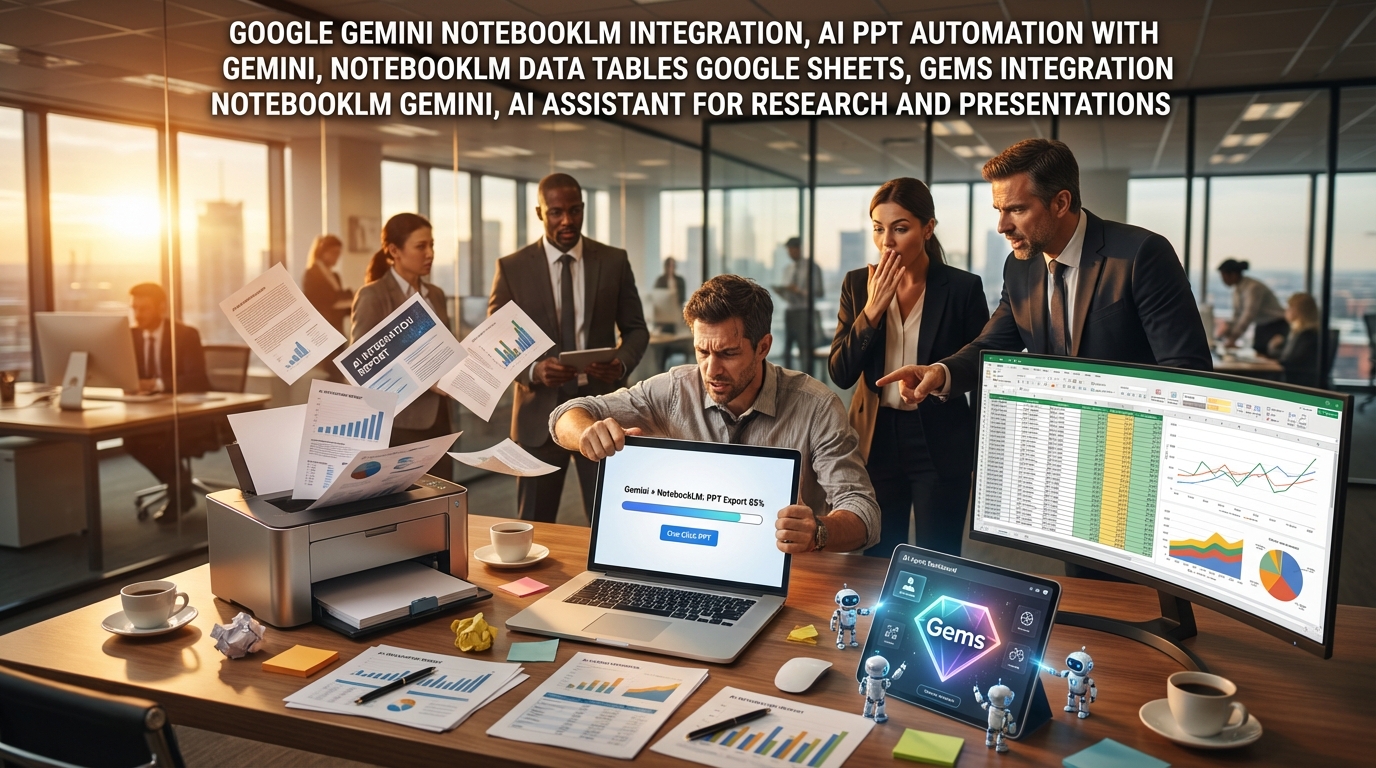
The most shocking feature is presentation automation.For example, let’s say you put 60 papers and articles about ‘Space Data Centers’ into NotebookLM.After loading this notebook in Gemini, try commanding, “Create a 10-page pitch deck for investment based on this content.”It’s not just a simple listing of text; Gemini structures the content and outlines the slides.It doesn’t end here.Through the ‘Canvas’ feature, you can export it directly to Google Slides, and if you don’t like the design, you can completely change the entire design with a single ‘Edit Image’ or ‘Style Slide’ button.Gemini has perfectly solved the disadvantage of the existing NotebookLM where editing was impossible.
4. [Key Takeaway 2] Complex Data at a Glance, Automatic ‘Data Table’ Generation
Another feature you shouldn’t miss in this update is ‘Data Table’ generation.There are times when you need to compare and analyze numerical data scattered across dozens of papers or reports, right?Now, just put the materials in NotebookLM and say, “Make a table of the current status of data center projects by major companies.”The AI reads all the documents, finds items that can be compared and analyzed, and organizes them into a neat table.Of course, this table can be exported directly to Google Sheets and modified like working in Excel.It is a feature that will significantly reduce overtime when conducting market research or competitor analysis.
5. [Advanced Tip] Integration with ‘Gems’, Completing Your Own AI Agent
This is content that other news outlets don’t cover well, but it’s really important.NotebookLM has also entered ‘Gems’, the custom AI agent recently announced by Google.Previously, when creating Gems, you had to upload files one by one, but now you can connect the NotebookLM projects you have already made.For example, when creating a Gem called ‘Semiconductor Market Analysis Bot’, you don’t upload files every time, but just connect the semiconductor-related notebook.Then, this Gem becomes a state of learning the knowledge of that notebook in real-time.When automating repetitive tasks or conducting in-depth research in a specific field, this combination of Gems and NotebookLM will show truly powerful efficiency.
< Summary >
- Core Point of Integration: Ability to immediately call up and utilize NotebookLM’s vast data (up to 300 sources) using the ‘+’ button in the Google Gemini chat window.
- Perfect Mutual Complementation: The accurate data organization ability of NotebookLM and the outstanding reasoning/creative ability of Gemini are combined to reduce hallucinations and maximize insight.
- PPT Automation: Analyzes dozens of materials to outline slides, and allows exporting to Google Slides for design modification all at once.
- Data Table Feature: Compares and analyzes scattered information to create neat tables, and allows exporting to Google Sheets for secondary processing.
- Gems Integration: NotebookLM can also be connected to the custom AI agent Gems, making it much easier to create your own AI assistant that has learned specific knowledge.
[Related Posts…]
5 Work Innovations Changing with Gemini and NotebookLM Integration
Practical Guide and Tips to Utilize NotebookLM 200%
*Source: KKon-Saem
Leave a Reply