

● Send the news headline
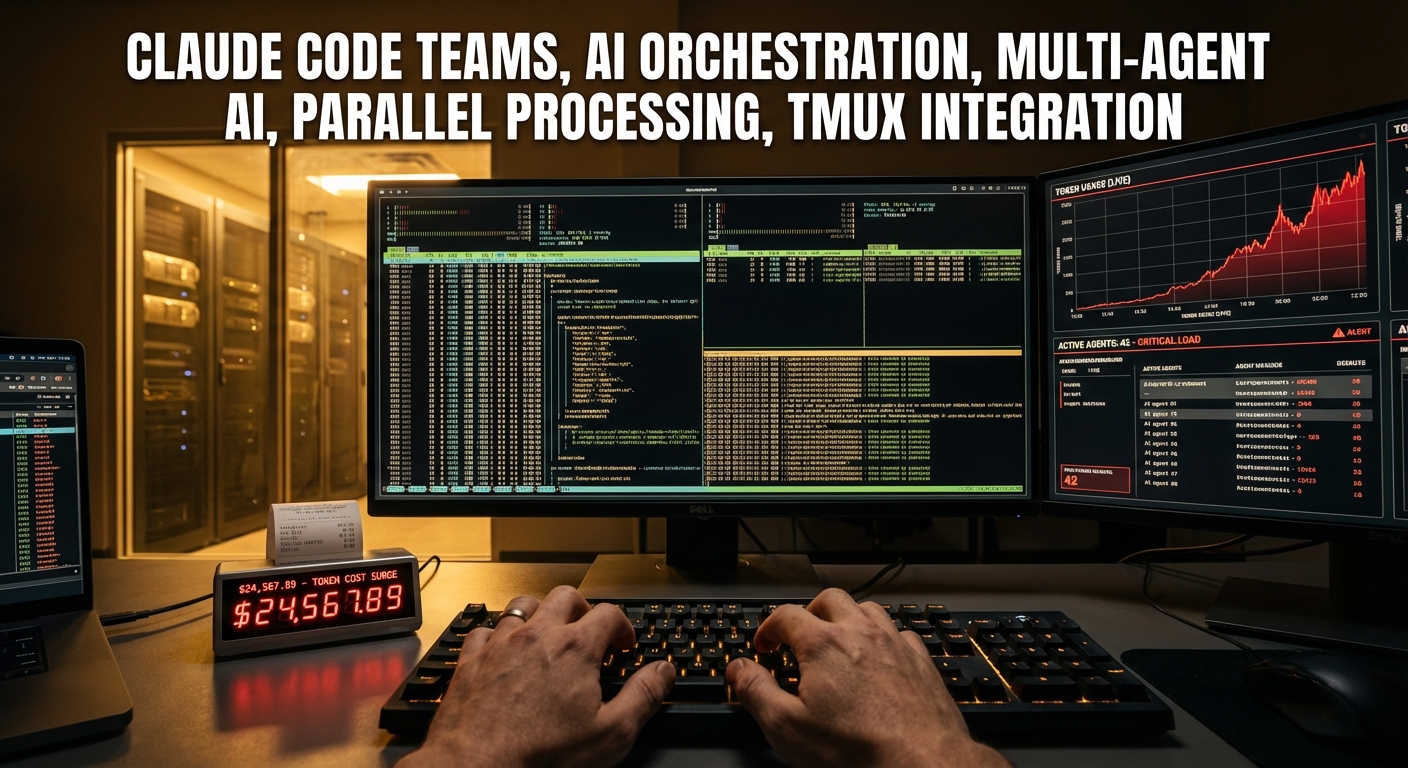
The topic we will cover today is the ‘Teams’ feature of Claude Code, just released by Anthropic. This isn’t just a simple update; it’s an innovative feature where the AI, which used to work alone, now becomes a ‘Team Lead’ overseeing multiple ‘Teammate AIs’ to process tasks in parallel.In this article, I have compiled practical tips that others don’t cover, filling it with only the core points such as hidden configuration methods (JSON settings) that are hard to find in the official documentation, strategies for reducing token costs, and how to configure multi-screens using Tmux. Reading this single article will allow you to immediately apply it to actual work and increase productivity by 10 times.
Claude Code’s Game Changer: In-Depth Analysis of the ‘Teams’ Feature
1. What is ‘Teams’? (Difference from Existing Sub-Agents)
First, we need to understand the difference between the existing method and the Teams method.Previously, Claude Code invoked ‘sub-agents’ within the main thread to perform tasks. However, this method only allowed receiving results, without the ability to intervene during the task or make agents talk to each other.
The key takeaway of the Teams feature is ‘Independence’ and ‘Orchestration’.The main Claude Code becomes the ‘Team Lead’ and creates multiple independent Claude instances, assigning roles to each.For example, if the main AI instructs, “You are in charge of Frontend, you are in charge of Backend, and you are in charge of Review,” they perform tasks simultaneously in their respective terminal windows (Panes). They can also exchange messages in real-time to collaborate.
This feature can be seen as a form where a solo developer operates an AI team, going beyond the evolution of simple AI automation tools.
2. Essential Requirements and Hidden Configuration Methods (Settings.json)
Since this is still an Experimental feature, it is not explicitly listed in the menu. You must manually modify the configuration file to activate it. Follow the order below.
1) Modifying the Config FileOpen the settings.json file located in your user folder or project folder. (Location can be checked with the config command after running Claude Code)You need to add the following two lines.
"claude_code_experiment_agent_teams": 1(Enable Teams feature)"teammate_mode": "tmux"(Enable split screen mode)
2) Execution Options (Using Flags)If the configuration file doesn’t work well, you can force options when running.Enter the following in the terminal when running Claude Code.--teammate-mode tmuxOr--dangerously-skip-permissions (Set to avoid annoying permission prompts)
3) Installing Tmux (Highly Recommended)I strongly recommend using Tmux in a Mac OS environment rather than Windows.After installing with brew install tmux, if you run it in tmux mode within Claude Code, the screen physically splits, allowing you to monitor and intervene in real-time as each agent works. process mode exists, but it is not recommended as visual confirmation is difficult.
3. Practical Usage Scenarios and Prompt Strategies
Simply saying “Work as a team” might not work properly. The prompt strategies to properly utilize LLM orchestration are as follows.
Recommended Prompt Example:
“I’m going to make a developer blog. The tech stack is Next.js. Analyze what tasks can be executed in parallel and plan how to organize the Teammates accordingly. Please write down the Role and task list for each team member first.”
If you request like this, the main AI (Team Lead) plans as follows.
- Initial Setup: Performed directly by the Team Lead.
- Parallel Tasks:
- Layout Engineer: UI component design.
- Blog Engineer: Logic and data processing.
- Content Stylist: CSS and styling.
Afterward, the main AI manages the task list, distributes work to each team member, and the structure operates with team members reporting results after work.
4. Points of Caution: Cost and Token Consumption (Critical Insight)
This is a core point that other places don’t really tell you.The Teams feature consumes significantly more tokens than a ‘Single Session’.
- Reason: Overhead occurs during communication and orchestration between the main agent and sub-agents. Also, if there are 4 agents, more than 4 times the tokens are spent in parallel.
- Cost Management: For simple sequential tasks or tasks requiring modification of the same file (risk of conflict), it is more economical and faster to process with a single session without using Teams.
- When to use?: Use it only when parallel processing provides a clear benefit, such as independent modules (Front/Back separation), Cross-review, or complex research tasks. This is the wise way to use coding productivity tools.
5. Task Monitoring and Debugging
When executed in Tmux mode, a green bar appears at the bottom of the screen and a new terminal session opens.When the main agent directs a task, you can see the screen splitting (Split Pane) and a new agent appearing to write code.
- When the task is finished, that agent is automatically terminated (Disposed).
- If necessary, you can save team information to a file and later recall the same team configuration to continue work.
- If the configuration gets tangled and doesn’t work, terminating the main agent (
exit) and restarting with thetmuxoption often solves it. (There are some bugs as it is still a beta feature.)
< Summary >
- Feature Summary: Claude Code’s ‘Teams’ is a feature where the main AI creates and manages multiple independent AI agents to perform tasks in parallel. It is a workflow change more powerful than the Anthropic Opus model update.
- Configuration Method: Adding
agent_teams: 1andteammate_mode: "tmux"tosettings.jsonis mandatory. It is recommended to install and use Tmux on Mac OS. - Usage Tips: It is suitable for complex projects requiring parallel processing such as Frontend/Backend separation and mutual verification rather than simple tasks. A prompt that clearly assigns roles to the main AI and makes it create a Plan first is effective.
- Caution: Token consumption increases rapidly during the orchestration process, so cost efficiency must be considered. Existing single sessions are more advantageous for simple sequential tasks.
[Related Posts…]
- Claude Code Teams Configuration and Usage Tips
- AI Coding Agent Cost Reduction and Optimization Strategies
*Source: 코드팩토리
Leave a Reply