

● AI Spending Frenzy
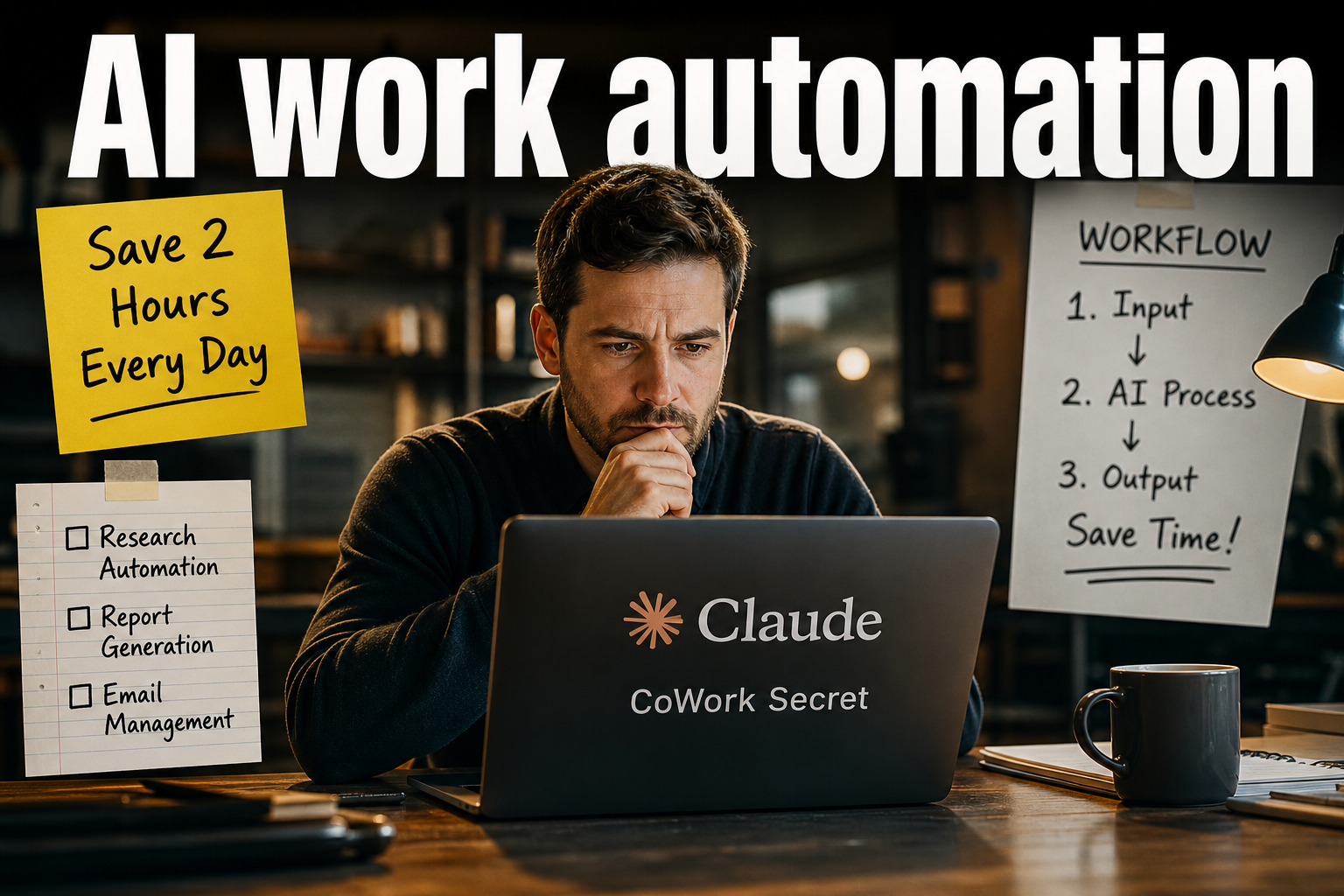
How to Save 2 Hours Every Day with Claude CoWork in Real Work: What Truly Matters Now Is Not “Speed,” but “Direction”
Core Points You Must See Today
Claude CoWork is not just a chatbot. It is a practical work-focused AI that can directly read and organize folders and files, create documents, organize Excel files, draft reports, and manage schedules.
What matters most in this current shift, especially the parts many people miss, is model selection, data structuring, security, and AX transformation.
People who use Claude well are not “people who ask good questions,” but people who structure work so that AI can actually do the work.
And now is not the era of using AI quickly, but a time when we must decide which tasks should be automated first.
Why Claude CoWork Is Gaining Attention Again
Claude is a next-generation AI model created by Anthropic, and its defining feature is a strong emphasis on safety and reliability.
As a company founded by engineers from Google and OpenAI, Anthropic focuses less on simple performance competition and more on constitutional AI principles and risk management.
The reason Claude is gaining attention again recently is because of large-scale document processing and agent capabilities.
It has become possible to read and analyze thousands of pages of documents at once and then independently create outputs that meet specific conditions.
This is not just a conversational AI. It is closer to an AI agent that performs real work on your behalf.
You First Need to Understand the Difference Between Claude Chat, CoWork, and Code
Claude Chat is conversation-centered, similar to GPT or Gemini.
It is optimized for asking questions and receiving answers, and it works well for writing and simple analysis.
Claude CoWork is a desktop app-based practical work mode.
It is strong in folder access, file organization, document creation, and repetitive task automation.
Claude Code is a terminal CLI tool suitable for developers or technical users.
It is useful for coding, debugging, and system-level access.
In short, Chat is for conversation, CoWork is for practical work, and Code is for development.
From a practical worker’s perspective, there is honestly no need to force yourself to use Code. Just using CoWork properly can create a major efficiency boost.
The Most Important Thing in Real Work Is Model Selection
Claude models have different use cases.
Opus 4.7 delivers the highest performance, but it consumes a lot of credits.
Sonnet is a balanced mid-level model.
Haiku is designed for ultra-fast and low-cost use, making it suitable for simple repetitive tasks and lightweight text work.
Many people keep using Opus simply because they have heard it is good, but that quickly drains credits.
In practical work, choosing the right model based on task difficulty is the most important cost-saving point.
In other words, the core point is not always using the highest-performance model, but placing the right model in the right task.
Practical CoWork Use Case 1: Folder Connection Is the Starting Point
The core point of CoWork is folder access.
It is not just about uploading files. Once you connect a folder, Claude can read, organize, and even save documents inside it.
For example, if you connect a meeting notes folder,
it can summarize meeting contents,
extract key action items,
and save them again as a Word document.
The most important thing in this process is making sure AI can access where your work files are located.
In other words, automation does not have to be grand. It starts with reducing repetitive file tasks.
Practical CoWork Use Case 2: Receipt, Excel, and CSV Organization Is Extremely Powerful
After connecting a receipt folder,
if you ask, “Check all receipts and organize them into Excel,”
it can structure the data by date, store name, amount, VAT, and category.
If there are duplicate receipts, it can mark them as suspected duplicates,
and if information is unclear, it can leave it as requiring confirmation instead of filling it in arbitrarily.
This is not only relevant to finance teams.
It can be applied immediately to personal expense tracking, business trip expense organization, and project cost management.
In particular, Excel automation, CSV analysis, and data organization are among Claude’s strongest practical areas.
Monthly sales trend analysis, anomaly detection, and category-based classification can also be handled quite naturally.
Practical CoWork Use Case 3: File Name and Folder Organization Is the Beginning of Work Efficiency
Surprisingly, a lot of time goes into organizing file names.
For example,
you can ask it to rename iPhone image files
in a yearmonthday_name format,
and classify duplicate files, temporary files, or screenshot files as candidates for review.
This task is simple, but the effect is significant.
That is because organization enables search, and search enables reuse.
In other words, file organization automation is the most practical starting point for improving productivity.
Practical CoWork Use Case 4: It Quickly Creates Presentation and Report Drafts
Claude is also quite useful for creating draft PowerPoint presentations.
However, if you simply say, “Make a presentation,” the results can be inconsistent.
Instead, quality improves when you provide clear conditions like the following.
What the topic is
What the goal is
Who the target audience is
How many minutes the presentation should be
What the core message is
You need to provide this information first.
And rather than expecting a finished version all at once,
it is much better to divide the task into stages:
structure design,
slide flow organization,
design guide creation,
and final slide creation.
Reports work the same way.
It can sufficiently create summary reports, research drafts, dashboard descriptions, and short-form content scripts.
Practical CoWork Use Case 5: It Can Be Used for Contracts, Quotations, and Review Documents
It can also be used for contract drafts or reviewing revisions.
However, in this area, personal information and sensitive information must always be removed.
Names, dates, and company-specific information should be deleted as much as possible before input.
Good requests to give Claude include:
analyze risk factors,
identify hidden assumptions,
and check potential execution issues.
Especially in fields such as legal, tax, and finance, where errors can be critical, final human review is essential after the AI-generated draft.
Hidden Features: You Need to Understand Skills, Plugins, Connectors, and MCP to Truly Work Faster
This is the part many people miss.
Skills are your own work rules that help AI perform repetitive tasks better.
Plugins are like packages that bundle several functions together.
Connectors connect external services such as Google Drive, Slack, Calendar, and Figma.
MCP can be understood as a connection structure that links these external tools more naturally.
Simply put,
skills are recipes,
plugins are kitchen sets,
and connectors are supply networks for ingredients that can be delivered.
What matters is not installing everything someone else made, but choosing only what fits your own work.
Unnecessary plugins ultimately burn tokens and reduce practical work efficiency.
The Most Common Practical Automations Are Scheduling and Messaging
Connecting Claude to a calendar makes schedule management quite convenient.
You can set conditions such as:
“Find a 3-hour meeting slot,”
“Exclude vacation days,”
or “Schedule it in UK time.”
It becomes even more powerful when connected to Slack.
At the end of the day, it can analyze the documents, messages, and emails received that day and organize:
what was completed today,
what needs to be done tomorrow,
and whether any sending tasks were missed.
This is not just a convenience feature. It is management automation that reduces missed work.
Key Takeaway from the AI Trend Perspective: AX Transformation Is Now the Main Game
One term appearing frequently in the market right now is AX.
It may look like an abbreviation for AI Transformation, but it does not simply mean using AI.
AX means redesigning the way work itself operates around AI.
There are two important points in this shift.
First, work processes must be redesigned.
Second, there must be data to train those processes.
In other words, AX does not happen just because a company or individual installs a few AI tools.
Whether for a company or an individual, real transformation happens only when repetitive work and know-how are structured.
From an Economic Perspective, This Is Not Just a Productivity Improvement
This trend is not merely news about work automation.
It connects to productivity improvement, cost reduction, workforce reallocation, and business expansion.
That is why it also has major significance from an economic news perspective.
As AI adoption accelerates, companies are likely to experience:
Reduced work hours
Improved operational efficiency
Faster decision-making
Reduced dependence on outsourcing
This process is likely to increase demand for cloud computing, data analytics, generative AI, AI agents, and work automation.
The Most Important Point That Other News Often Misses
The most important point, yet one surprisingly often overlooked, is this:
More important than AI performance is the habit of organizing data.
Many people focus only on whether AI is smart or not.
But in real work, efficiency depends less on the AI itself and more on how well your files are organized.
If there is no data, file names are messy, or folders are chaotic, even the best AI cannot work properly.
In other words, competitiveness in the AI era is not the model itself, but the ability to organize data.
The second most important point is security.
No matter how safe an AI may be, the moment it is used through the internet, the possibility of sensitive information leakage must always be checked.
Financial data, contracts, and customer information require especially careful handling.
A Recommended Usage Order That Practical Workers Can Apply Immediately
-
Connect one folder first.
-
Choose just one repetitive task you often do.
-
Save the rules as a skill.
-
If needed, connect Slack, Google Calendar, and Drive.
-
Start with easy tasks such as receipt organization, meeting note summaries, and file name organization.
-
Once you become familiar with it, expand to reports, presentations, and contract reviews.
-
Finally, redesign the work process itself from an AX perspective.
This is the most realistic order.
Conclusion: What You Need Now Is Not Someone Who Uses AI, but Someone Who Works with AI
Claude CoWork is clearly powerful.
But what creates the real difference is not the tool itself, but the habit of structuring and turning work into data.
This is not an era where the person who simply moves faster wins. It is an era where the person who knows exactly where to apply AI has the advantage.
And the starting point is not grand automation. It begins with organizing one folder today.
< Summary >
Claude CoWork is a practical work-focused AI that can connect folders, organize files, convert receipts into Excel, draft reports, and manage schedules.
The core points are model selection, data organization, security, and AX transformation.
Rather than always using Opus, efficiency improves when you choose the right model for each task and design skills, connectors, and plugins around your own work.
The real competitiveness in the AI era is not “the ability to use AI,” but “the ability to organize data so AI can work.”
[Related Articles…]
- Core Strategies for Improving Work Efficiency with Automation
- How AI Agents Are Changing Practical Work
*Source: Vice Versa design studio
Leave a Reply